How To Remove Speaker Notes From A Powerpoint Presentation Select an image amp remove the background 100 automatically in 5 seconds without a single click for free
How can I automatically remove and replace a background with a new one Upload your photo to Photoroom and our AI background Remove image backgrounds online with our powerful background removal tool Save time editing with this AI powered tool that
How To Remove Speaker Notes From A Powerpoint Presentation
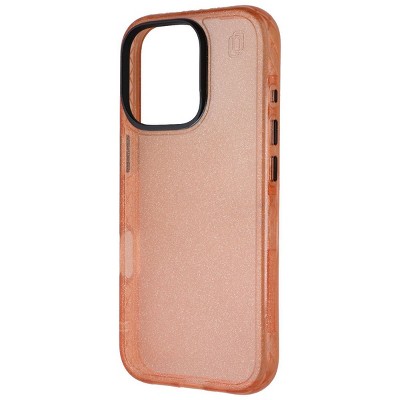
How To Remove Speaker Notes From A Powerpoint Presentation
https://target.scene7.com/is/image/Target/GUEST_7c23e39e-5509-4f80-a04f-3d0271536ee7
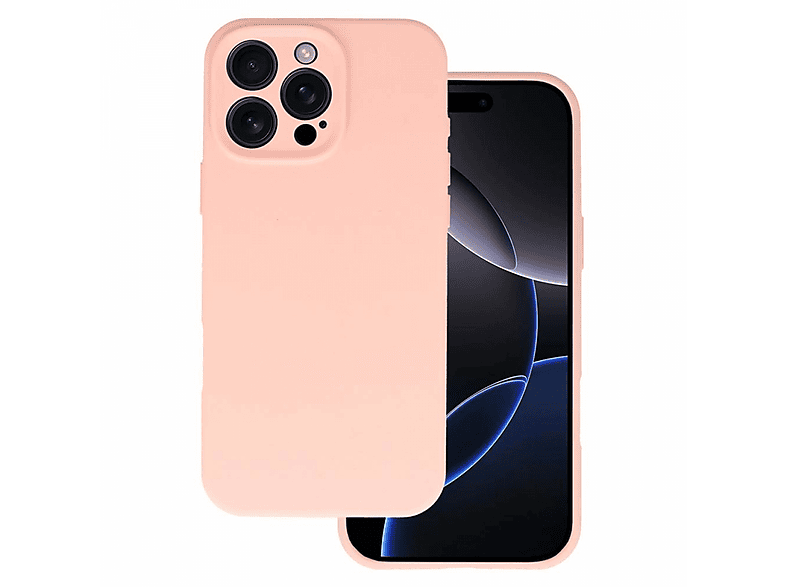
CASEONLINE Silicone Lite Case Backcover Apple IPhone 16 Pro Max
https://assets.mmsrg.com/isr/166325/c1/-/ASSET_MP_165350311/fee_786_587_png
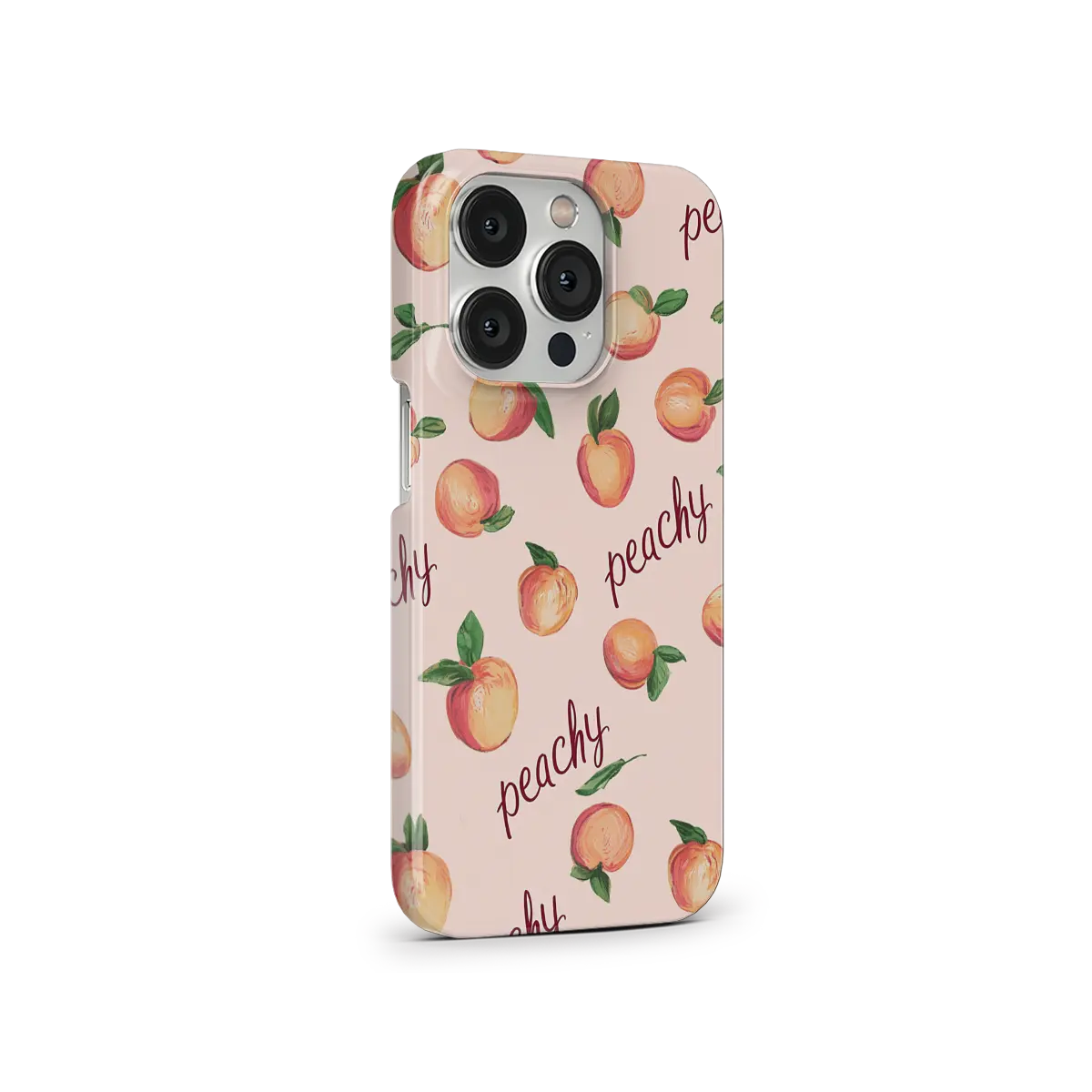
IPhone 16 Pro Case Got Peach CaseFace UK
https://case-face.co.uk/wp-content/uploads/iphone-16-pro-case-got-peach.webp
Remove backgrounds from product photos to create clean images that highlight your products Our background remover is designed Once you remove background from an image you are left with a transparent backdrop From there you can change photo
The easiest way to remove the background from a photo is to use our automatic background remover It identifies your subject and Want to erase a distracting item from your image Use Pixelcut s Magic Eraser to remove unwanted objects from your photo Try our
More picture related to How To Remove Speaker Notes From A Powerpoint Presentation
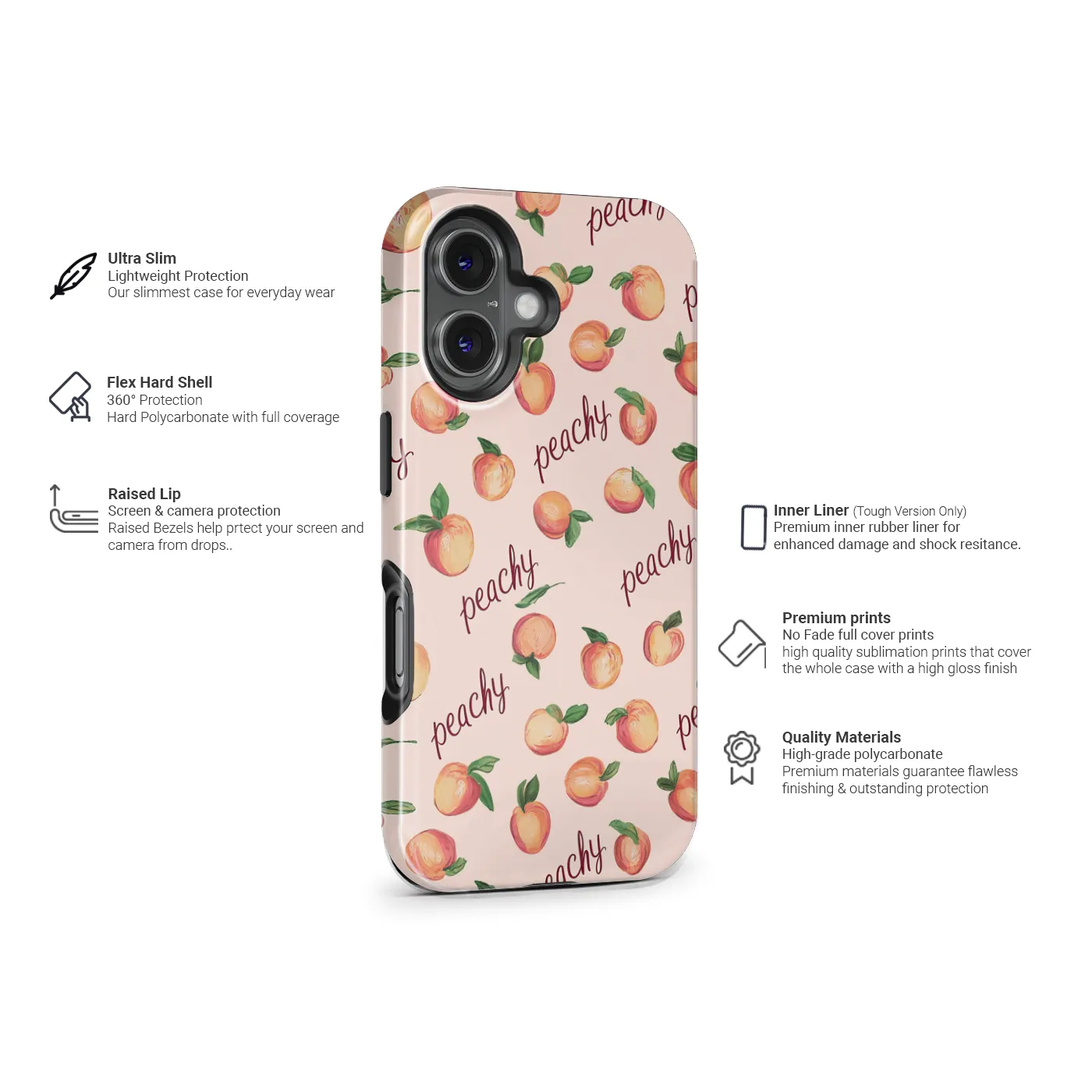
IPhone 16 Case Got Peach CaseFace UK
https://case-face.co.uk/wp-content/uploads/Got-Peach-Case-spec.webp

IPhone 16 Case Got Peach CaseFace UK
https://case-face.co.uk/wp-content/uploads/iphone-16-case-got-peach.webp

IPhone 16 Case Perfect Peach CaseFace
https://caseface.ie/wp-content/uploads/perfect-peach-cover.webp
You can remove a distracting background from a photo swap in a clean or creative scene and download the result for use on With Photoroom s AI Retouch you can remove unwanted objects in seconds Just brush over what you want to erase and AI fills in
[desc-10] [desc-11]
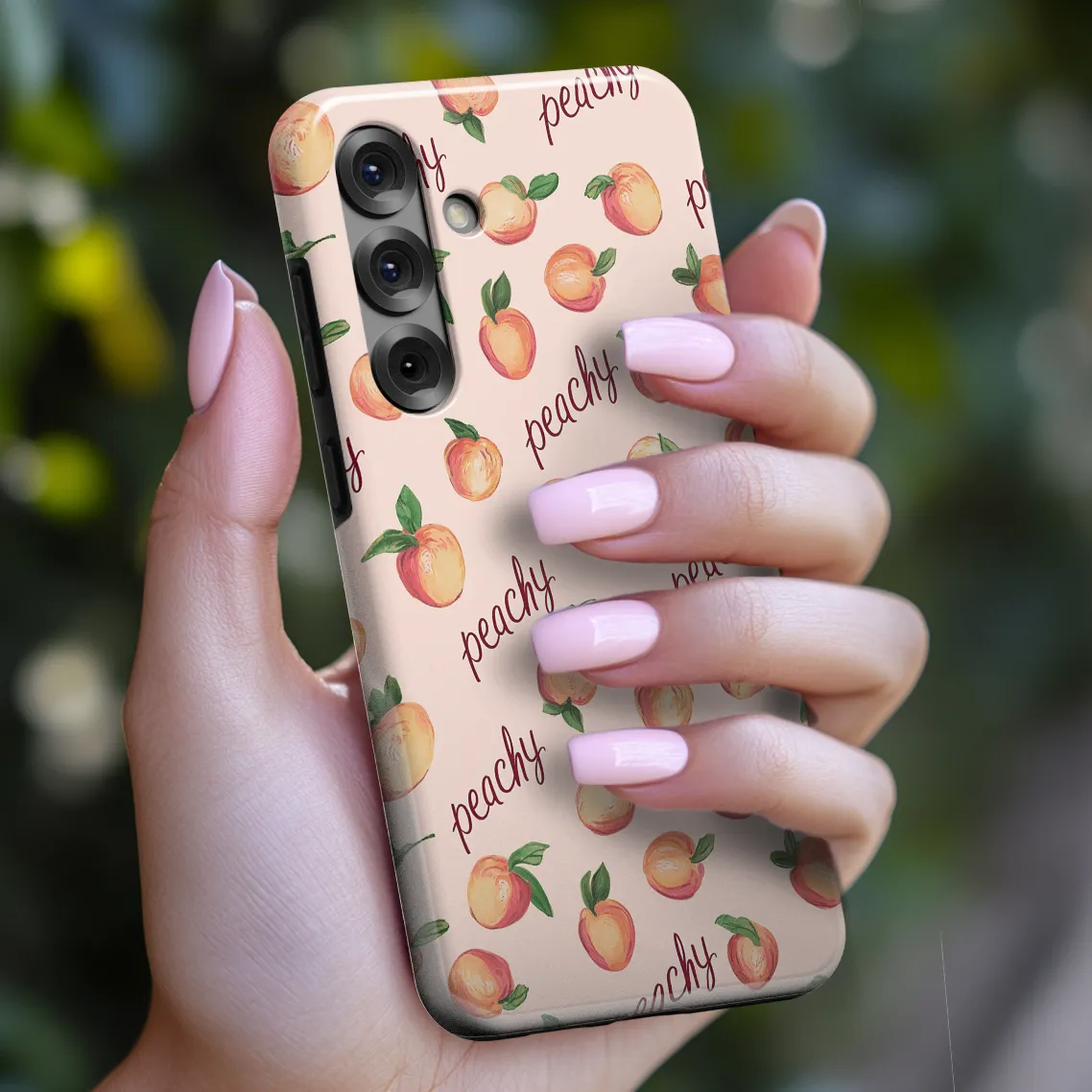
IPhone 16 Pro Max Case Got Peach CaseFace UK
https://case-face.co.uk/wp-content/uploads/Got-Peach-Samsung-Case.webp

Funda De Tel fono Sonix Para Iphone 16 Pro Max Con Magsafe Gloss Peach
https://cdn1.coppel.com/images/catalog/mkp/4390/27000/439025528-1.jpg
How To Remove Speaker Notes From A Powerpoint Presentation - [desc-13]